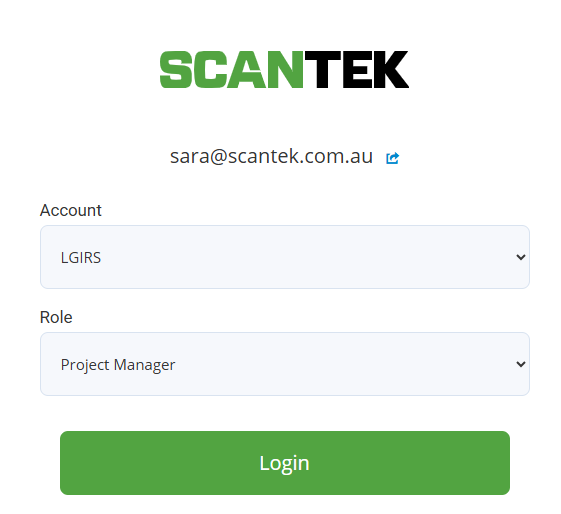
- Go to https://portal.bdr.scantek.cloud/patrons
- Enter your credentials
- Select Account - "LGIRS"
- Select Role - "Project Manager" (default)
- Select and enter MFA code
If you do not have access, please ask your team lead or Bryce/Devs.

If you do not have access, please ask your team lead or Bryce/Devs.