
Steps:
Resetting Jamf profile
Cancellation Request
Resetting Jamf profile
- log into Jamf (https://scantek.jamfcloud.com/) and search for the Serial Number. Click on the Serial Number to enter the Units page.
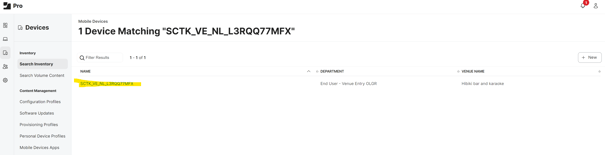
- In the Units page, do the following:
- Remove Account ID and Venue Name
- head to Inventory > General and click Edit
- Remove text in the Account ID and Venue Name fields and press Save
- Change Department
- head to Inventory > User and Location and click Edit
- Change department to "Unassigned Inventory" and press Save
- Check Progress
- head to History.
Here, you will be able to see the commands and what state they are in
You may need to refresh this age to see the commands jump from Pending to either "Completed" or "Failed"
- head to History.
- Remove Account ID and Venue Name
- Check the iPad to make sure that the apps have been removed and the wallpaper returned to Inventory.