
Provide the venue staff with a run-through of how the system works.
This includes the basics, like:
This includes the basics, like:
- Logging In
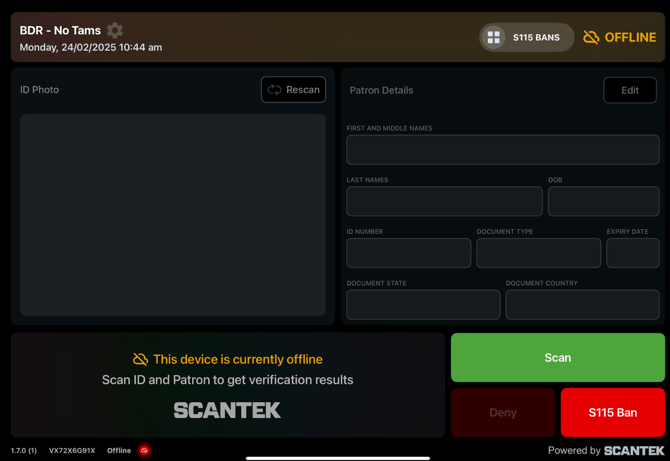
- Online and Offline
- How to Scan
- iPad-in-stand: place the ID centrally on the ID plate
- iPad-in-case: place the ID on a plain, flat surface or hold it in the palm of your hand
- If scanning offline due to network issues, indicators will be shown in the App. NOTE: Network outages should be logged in their incident register.
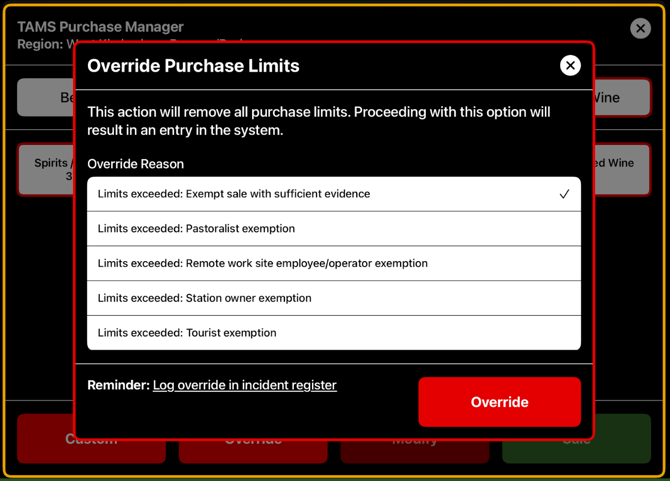
- How to make a purchase (TAMS-only)
- Process might vary slightly depending on which workflow they have. See user manual.
- Adding a custom drink
- Overriding (select a reason and log it in their incident register)
- How to create S115 bans
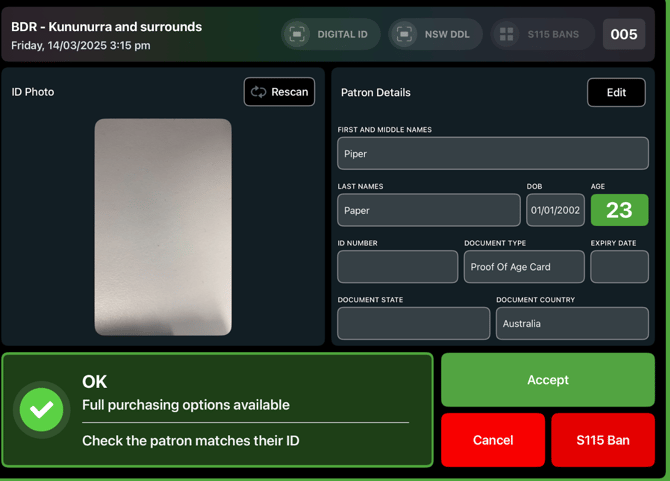
- From the main screen (tap 'S115 Ban' button and fill in the form)
- From the scan result screen (tap red 'S115 Ban' button and confirm ban info)
- Using existing scan (tap 'S115 Ban' button at the top and select a scan)
- How to view previous scans and bans
- Tap the 'S115 Bans' button at the top of the screen
- If the iPad screen times out after 15-mins of inactivity, they will need to enter their password to access the previous scans and S115 bans.
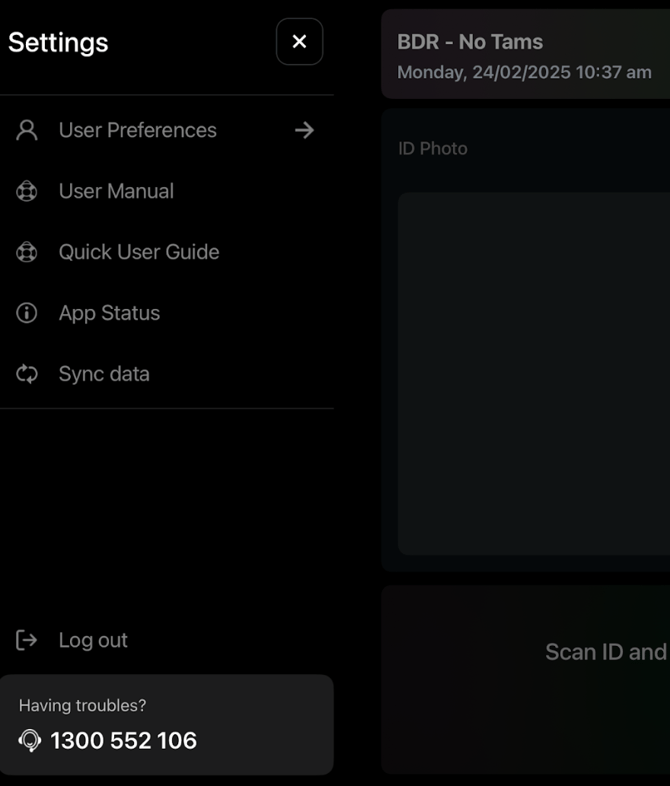
- Accessing the User Manuals
- How to contact Customer Support; 1300 552 106 (option 4).
TIP
Have an iPad on-hand and login to the BDR App.
And use the BDR Mobile Application user guides as a reference; located in the IMS.
Additional Resources
For any BDR-related questions, advise the Licensee to contact the BDR team. See BDR: Escalation Process
Videos
Links were provided to the BDR team to display on the BDR website page.
User Manuals
Accessible via the App, or available for download on the BDR website page.
NOTE
Videos and user manuals have been provided to the Client, but these may not be listed on their website.