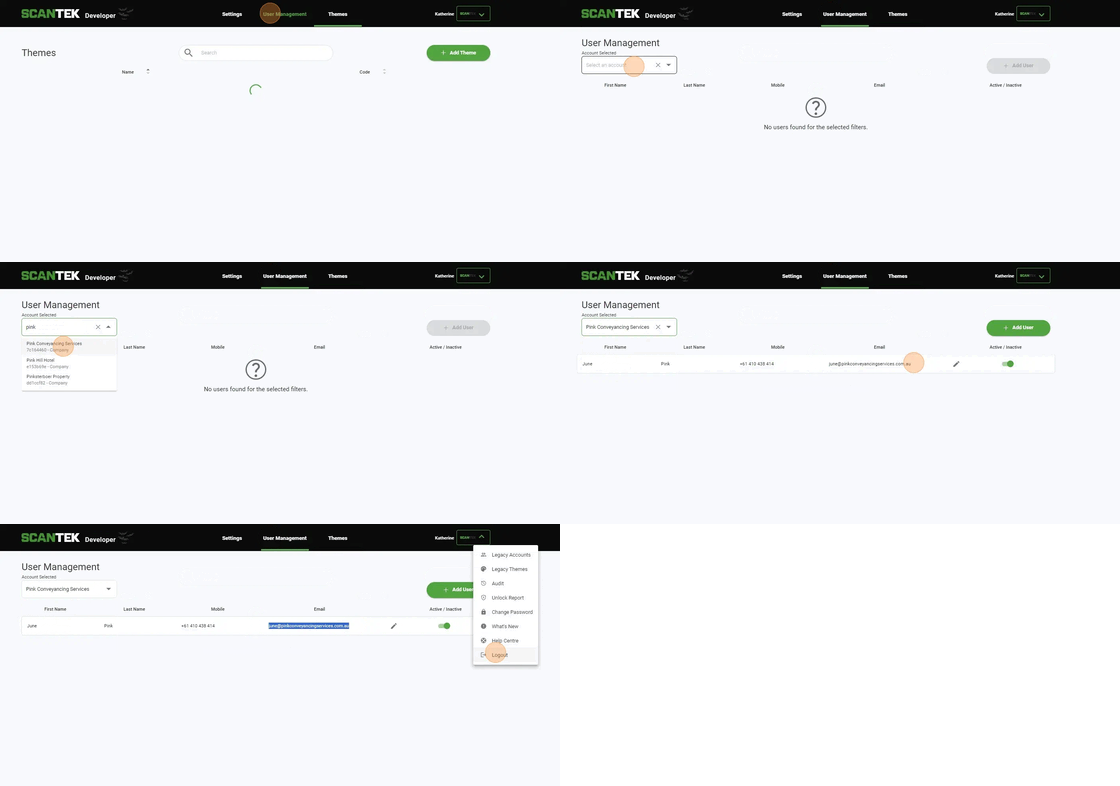
1. Navigate to https://portal.scantek.cloud/themes
Click "User Management"
Click the "Select an account" field.
Search and select Company
Copy email address
Click "Logout" and sign in as an assumer for that account
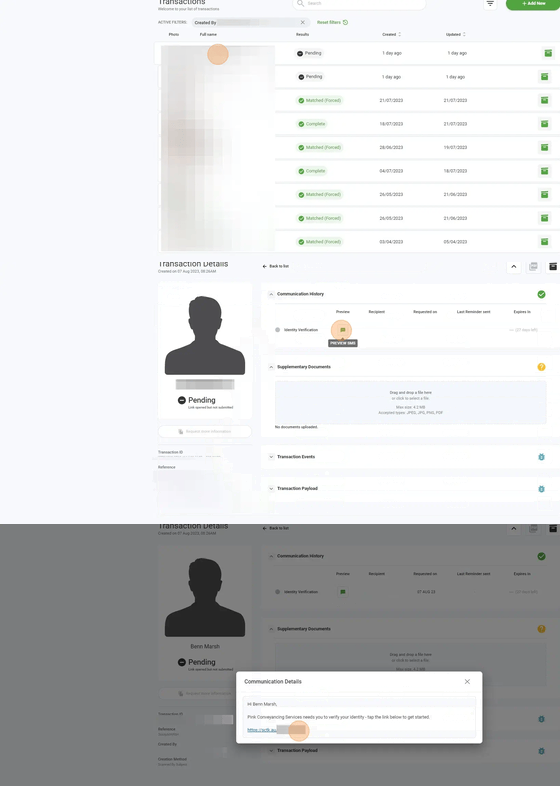
2. Click required transaction
Click here.
Click "https://sctk.au/8bgv-yi9y-ldjc" and use the QR code on the next page to bring up the transaction on your phone.
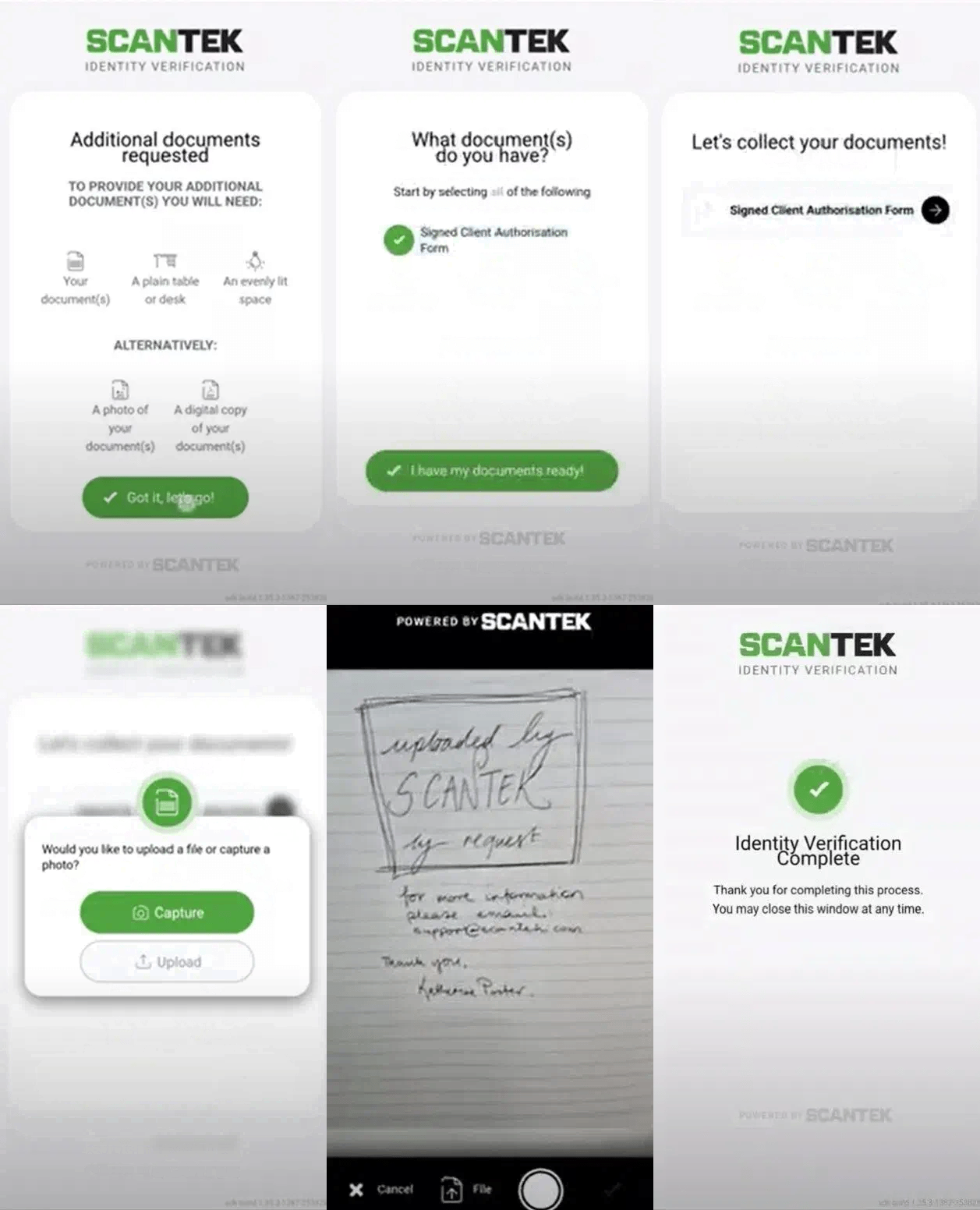
3. You will now appear on the "Additional documents required" page, which should be the only step remaining.
Select the Required Form and then select "I have my documents ready"
Click the arrow to collect the documents.
Choose either capture or upload
Make sure that the document you upload or capture states that this has been done via Scantek and your name.